THE EASIEST WAY TO SELL DIGITAL GOODS

Upload your digital product. Paste a button. Start selling.

Zwely turns a download, freebie, bundle, or license key into a checkout button for the site you already have. Stripe handles payment. Zwely sends the file, email, key, and order record.

No store to build use the landing page, blog, or site you already have
No marketplace redirect buyers check out where they decided to buy
Free or paid sell a product or give away a lead magnet
How it works

Three steps. That's it.

Create the product in Zwely, copy one button, and paste it on the page you already have. When someone buys or claims it, Zwely handles the handoff.

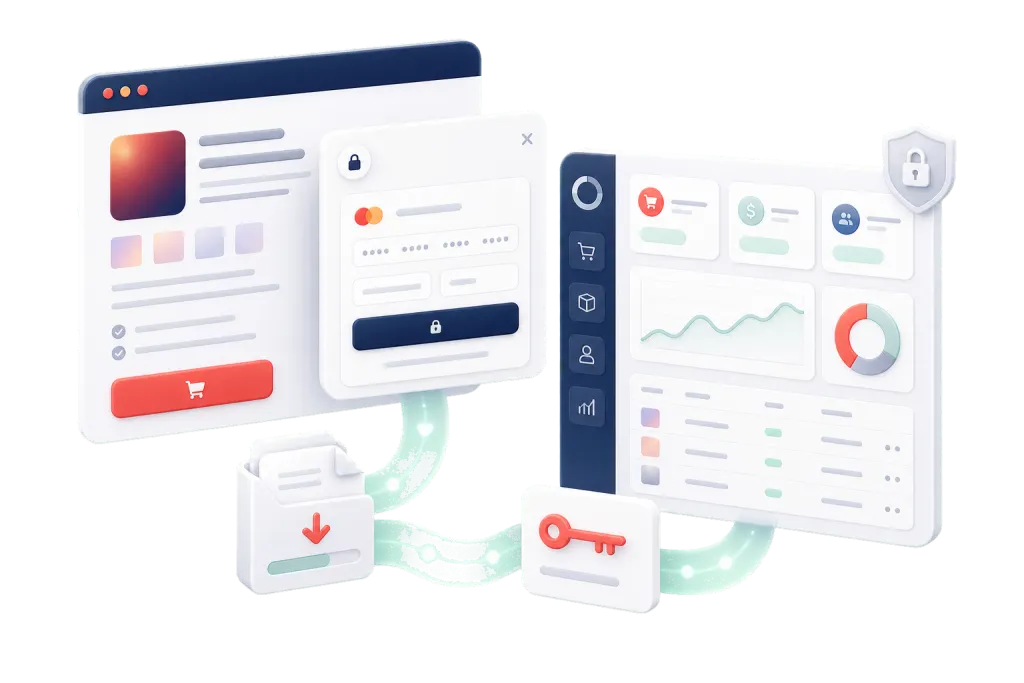
A Zwely product page, checkout modal, delivery download, license key, and analytics dashboard connected in one selling loop
01 Add the product

Give it a title, price, file, bundle, or license keys.

02 Paste the button

Drop the embed code onto your own page.

03 Let Zwely finish it

Checkout, delivery, email, keys, customers, and orders stay handled.

Real button in use

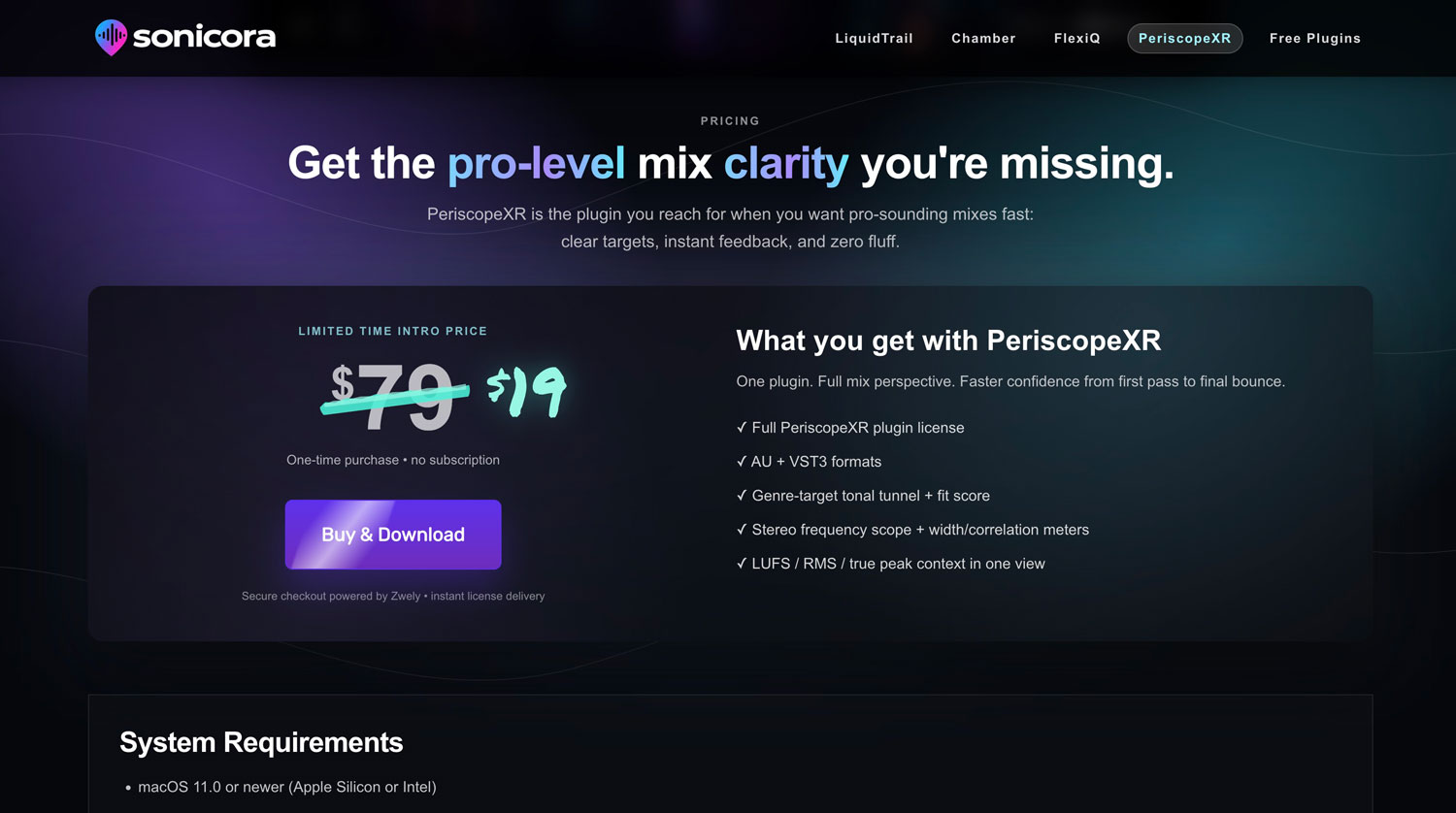
Sonicora sells from its own product page.

Sonicora keeps the full product story on its own page. Zwely only shows up at the moment someone is ready to buy.

I just wanted a button that would sell my plugins - everything else seemed so complicated and slow to setup. I was up and running in like 10 minutes with Zwely.
Founder, Sonicora
Periscope XR product page from Sonicora
Periscope XR by Sonicora
Live-style preview Sonicora demo checkout

Opens a test checkout using the production Zwely embed.

Why it feels easy

Sell digital goods directly from your website.

Zwely doesn't ask you to move everything into another storefront. It only shows up where the buyer is ready: the button, the checkout, and the delivery after.

Keep your page Your copy, examples, demos, and proof stay where they are.
Use your Stripe Paid checkout runs through your connected Stripe account.
Stop hand-delivering Files, keys, and delivery emails go out without you chasing orders.
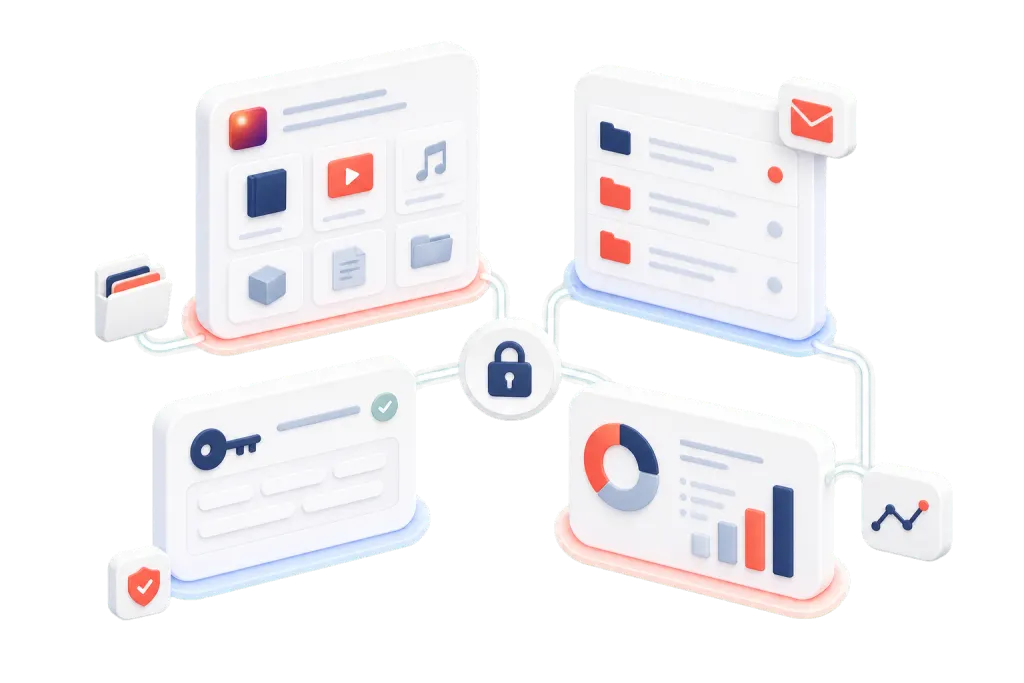
Zwely product setup, checkout, delivery, license key, and analytics features arranged together
What you can sell

If it can be downloaded, claimed, or keyed, it fits.

Use the same simple button flow for paid products, free lead magnets, bundles, and software keys.

Audio
Sample packs, loops, presets, stems, and sound libraries.

Sell a pack directly from the page where people hear it.

Learning
Ebooks, guides, worksheets, mini-courses, and private links.

Turn helpful material into a clean paid download or free claim.

Software
Plugins, installers, software downloads, and license keys.

Send the download and assign the key without a manual handoff.

Free
Lead magnets, bonus files, sample chapters, and gated downloads.

Give away the useful thing and keep the customer record.

After the click

No "where is my file?" scramble.

The buyer gets what they came for. You get the order, customer, delivery, and license record without stitching together another tool.

Free claim Ready

Vocal Chain Starter Kit

Email captured. Download link sent. Customer record created.
License pool Live
ZWLY-M8K4-71PDassigned
ZWLY-9Q2L-P44Aqueued
ZWLY-R2V6-K1XMready
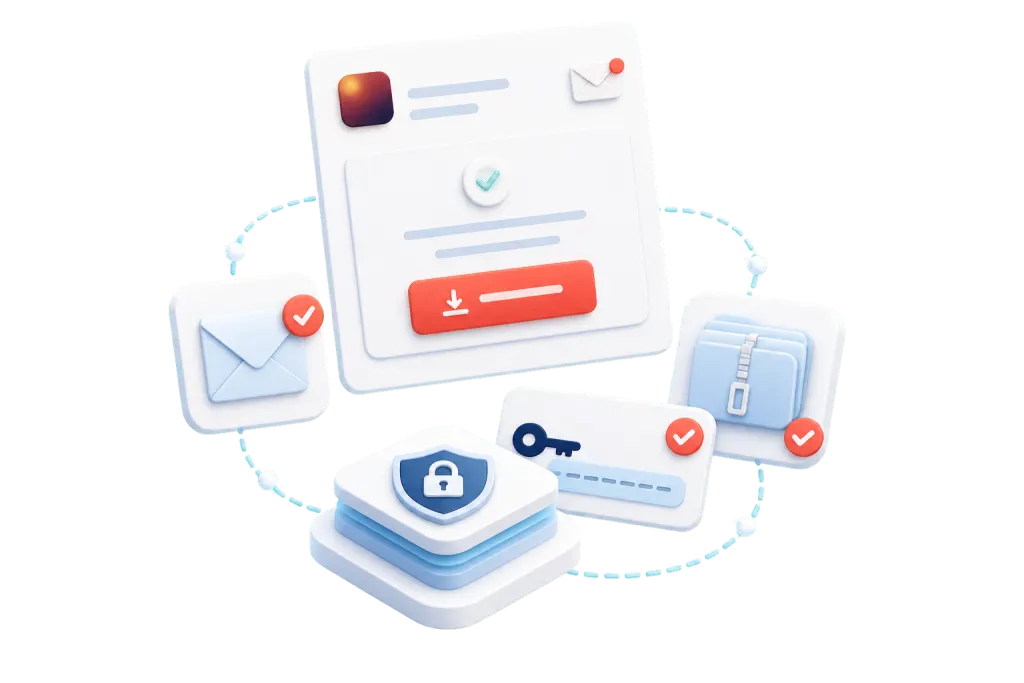
A delivery email, secure download, and license key moving through Zwely
Buyer confidence

The buyer clicks. Zwely takes it from there.

Paid order or free claim, the next step is obvious. The email goes out, the download is private, and the license key appears when the product needs one.

  1. 01
    The confirmation feels instant A branded email tells buyers what they bought and where to get it.
  2. 02
    The download stays private Expiring links and download limits keep the handoff cleaner than a public file URL.
  3. 03
    The key is ready when needed License keys can show after checkout and land in the buyer's inbox.
  4. 04
    The order is easy to find later Customers, delivery status, keys, and exports stay tied to the sale.
Start simple

Make the button. Put it on your page. Done.

Launch paid downloads, freebies, bundles, and license-key products from the pages your audience already knows.

Make a checkout button